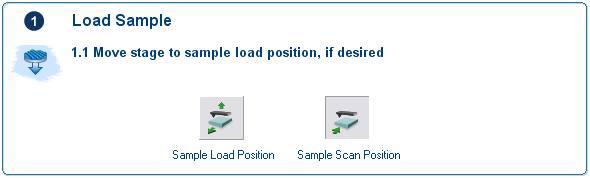
The Load Sample panel provides software tools for removing a sample and putting a new sample under the probe without risking damage to the probe or losing your current tip location relative to the sample stage.

|
The Sample Load Position button first lifts the SPM head to the Load/Unload Height then indexes the stage to a preprogrammed location (usually front/center) where samples may be rapidly removed or loaded. |

|
The Sample Scan Position button moves the sample back to the analysis position (the XY position it was at before the user selected the Sample Load Position button). |
Return to Navigate View
| www.bruker.com | Bruker Corporation |
| www.brukerafmprobes.com | 112 Robin Hill Rd. |
| nanoscaleworld.bruker-axs.com/nanoscaleworld/ | Santa Barbara, CA 93117 |
| Customer Support: (800) 873-9750 | |
| Copyright 2010, 2011. All Rights Reserved. |